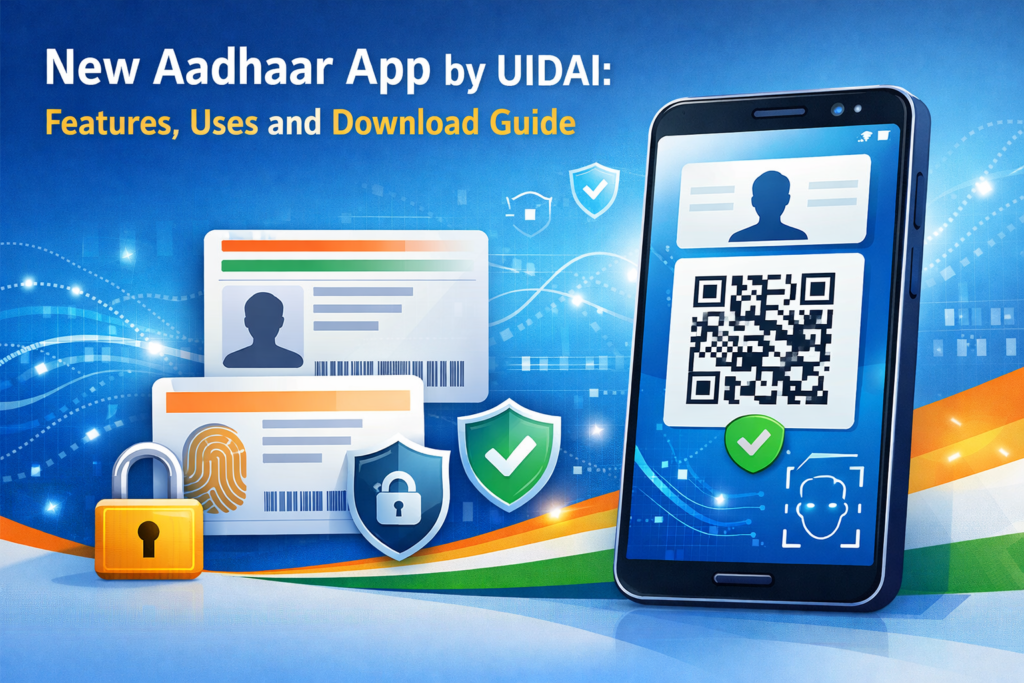

The Unique Identification Authority of India has introduced the brand new Aadhaar app, which is designed to make Aadhaar services more secure, user-friendly and privacy-focused.
The app has a significant upgrade over previous Aadhaar mobile phone services, with improved electronic verification, offline access and selective data sharing. This article is going to cover all you should know about the brand new UIDAI Aadhaar app, which includes key features, practical uses and the way to download it.
What Is the New Aadhaar App?
The new Aadhaar app is an authorized mobile application created as well as introduced by UIDAI to simplify identity verification while improving the privacy of individuals.
Unlike earlier Aadhaar apps, this new technical version focuses on:
- Offline verification
- Minimal data sharing
- Face-based authentication
- Digital age verification
The app allows Aadhaar holders to confirm their identity without revealing their Aadhaar number, photographs or unneeded private info.
Also Read: How to Use Clawdbot AI: App Overview, Installation & Step-by-Step Guide
New Aadhaar App Launch: Key Highlights
The new Aadhaar app launch marks a significant shift in how Aadhaar is used digitally across India.
Highlights of the Launch:
- The new Aadhaar app launched as a privacy-centric solution
- Designed to comply with India’s data protection framework
- Focuses on secure digital identity verification
- Enables Aadhaar use even without internet in many cases
This makes the UIDAI new mobile app especially useful for hotels, travel, exams, telecom verification, and age-restricted services.
Did You Know?
The new Aadhaar app allows age verification without revealing your full date of birth—helping protect personal data under India’s privacy framework.
Key Features of the UIDAI New Aadhaar App
1. Offline QR-Based Verification
Users can verify their Aadhaar details through a QR code, without sharing:
- Aadhaar number
- Photocopies
- Scanned documents
This reduces misuse and fraud.
2. Face Authentication
The UIDAI new Aadhaar app supports face authentication, adding an extra layer of security during identity verification.
3. Age Verification Without Revealing DOB
One of the most important upgrades in the new Aadhaar app launched is age verification.
Users can confirm whether they are above a certain age (18+, 21+, etc.) without sharing date of birth or Aadhaar details.
4. Multiple Aadhaar Profiles
The app lets users handle several Aadhaar profiles (such as the family members) from a single device, which is handy for households.
5. Digital Aadhaar Instead of Photocopies
The new UIDAI mobile app removes the need for:
- Physical Aadhaar cards
- Printed copies
- Repeated document submissions
All verification can be done digitally.
Also Read: How to Recover Apple ID Password Without Phone (7 Proven Methods)
Uses of the New Aadhaar App
The new Aadhaar app can be used in several real-world scenarios:
- Hotel check-ins
- Airport and railway identity verification
- Mobile SIM verification
- Age-restricted services
- Government service authentication
- Educational institutions
Because the app works even in offline mode, it is especially useful in areas with limited internet connectivity.
How to Download the UIDAI New Mobile App
Follow these simple steps to download and use the UIDAI new Aadhaar app:
Download Steps:
- Open Google Play Store (Android) or Apple App Store (iOS)
- Search for the new Aadhaar app by UIDAI
- Verify the developer name is UIDAI
- Install the app on your device
- Register using your Aadhaar-linked mobile number
- Authenticate using OTP or face verification
Once installed, users can start generating QR codes and using Aadhaar digitally.
Also Read: Best Free AI Image Generator Tools 2026
Difference Between Old Aadhaar App and New Aadhaar App
| Feature | Old Aadhaar App | New Aadhaar App |
| Privacy-focused sharing | No | Yes |
| Offline verification | Limited | Advanced |
| Face authentication | No | Yes |
| Age verification | No | Yes |
| Photocopy-free usage | No | Yes |
The new Aadhaar app launched by UIDAI clearly improves both security and convenience.
Is the New Aadhaar App Safe and Official?
Yes. The UIDAI new Aadhaar app is:
- Officially developed by UIDAI
- Backed by government infrastructure
- Designed with privacy-by-design principles
- Free from third-party data sharing
Users should always download the app only from official app stores.
Final Thoughts
The release of the Aadhaar app by UIDAI is an important step in the direction of a safe as well as privacy friendly digital identity in India.
The brand new mobile application of UIDAI establishes a brand new standard for digital governance with features such as offline verification, facial authentication as well as age verification with no information exposure.
Installing the UIDAI’s brand new Aadhaar app is recommended for all people who make use of Aadhaar often.
FAQs
The best way to obtain the brand new Aadhaar app?
To get the new Aadhaar app, open the Google Play Store or Apple App Store and also look for the UIDAI different Aadhaar app. Ensure the designer name is UIDAI before to installing. After installation, register using the Aadhaar-linked mobile number of yours and finish OTP or maybe face authentication to begin making use of the app.
What is the name of the new Aadhaar app?
The recognition of the new Aadhaar app is the UIDAI New Aadhaar App, created and introduced by the Unique Identification Authority of India. It’s designed for secure, digital identity use and privacy-focused Aadhaar verification.
What’s the big difference between Myaadhaar and Aadhaar?
Aadhaar offers the 12 digit unique identification number issued to residents of India while myAadhaar is an internet portal and old electronic system utilized to control Aadhaar details. This new Aadhaar app set in motion by UIDAI goes beyond myAadhaar by providing offline QR verification, age verification, face authentication, and privacy controlled data sharing by way of a a mobile app.